How to Make a Password Tracker You Can Actually Keep Current
October 7, 2026
My mom is an organized person, but her passwords are all over the place.
Some are in a notebook; others are on scraps of paper in a folder, with old passwords crossed out and new ones written nearby. Finding a password is one problem; knowing which one is current is another.
If that sounds familiar, start with one clear place for the accounts you actually use, and update it when a password changes.
Start with one account
Choose a lower-stakes account you use often; leave your main email and financial accounts for a more secure storage plan.
Find the details you use to sign in today rather than copying a password from an old note and hoping it still works. Write down the account, website, or app name and the username or email you use.
The tracker has a Password field, but you can leave it blank if you keep that password somewhere else. If you do write it down, make sure you have a private place for the finished page.
Add today’s date under ‘Date updated,’ then stop if that is all you have time for. One accurate entry is more useful than a full page of guesses.
Update it when something changes
The rule is simple: when you change a password, update your record before putting it away.
Cross out the old entry clearly or start a fresh row so you do not have two passwords competing for the same account. Date the new entry; if the page gets hard to read, copy the current information to a clean one and securely dispose of the old page.
The date tells you when you last corrected the record, not when you must change a working password. If you learn a password was exposed, change it promptly and update the record then.
Give the paper a private home
A paper tracker can help you find information, but it cannot protect it if someone picks it up. Keep completed pages in a private drawer or folder that other people cannot casually reach, and do not leave them beside the computer or photograph them for convenience.
Be especially careful with accounts that could give someone access to more of your life, including your main email and financial accounts. A password manager can create and store different strong passwords for those accounts; this paper tracker does not replace one.
You can still use the page without writing every password on it. Recording the website and username may be enough to tell you which account you are looking for while the password stays in a manager. If a manager already holds the important accounts, this page can still hold the everyday ones you would rather write by hand.
The Notes space can hold a reminder, such as which email receives sign-in messages. Do not use it to leave full recovery codes on a page someone else might find.
Make it a habit you can keep
You do not have to gather every notebook and scrap of paper today. Pick one account, make one accurate entry, and choose where the page will live.
Next time a login changes, update the tracker while the new details are in front of you. That is what keeps it useful.
The goal is not a perfect inventory of every account you have ever opened. It is being able to find the right information without wondering whether it is still right.
A page for the accounts you use
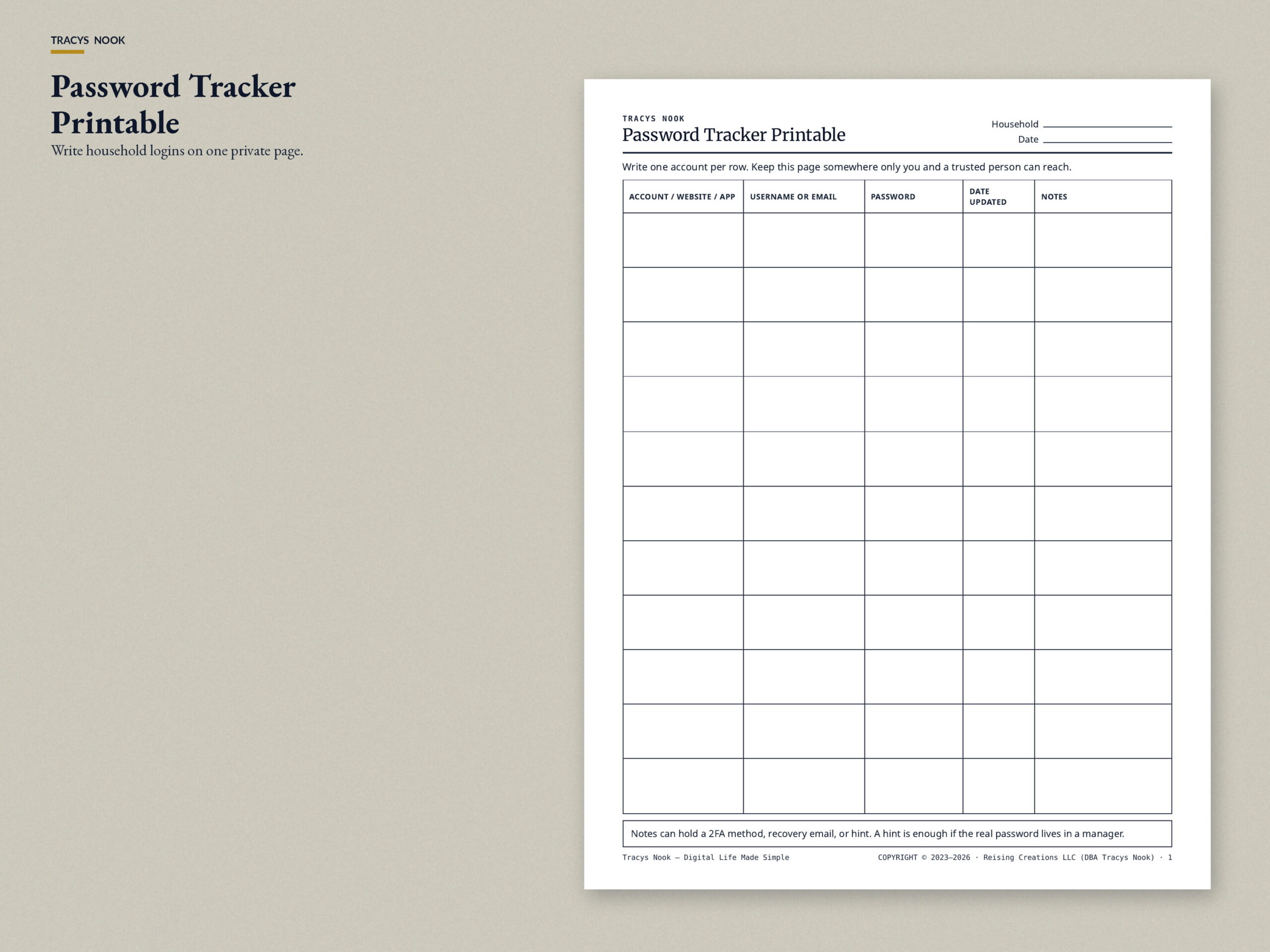
If you would rather start with a clean sheet than sort through another notebook, the Password Tracker Printable is the page this article describes.
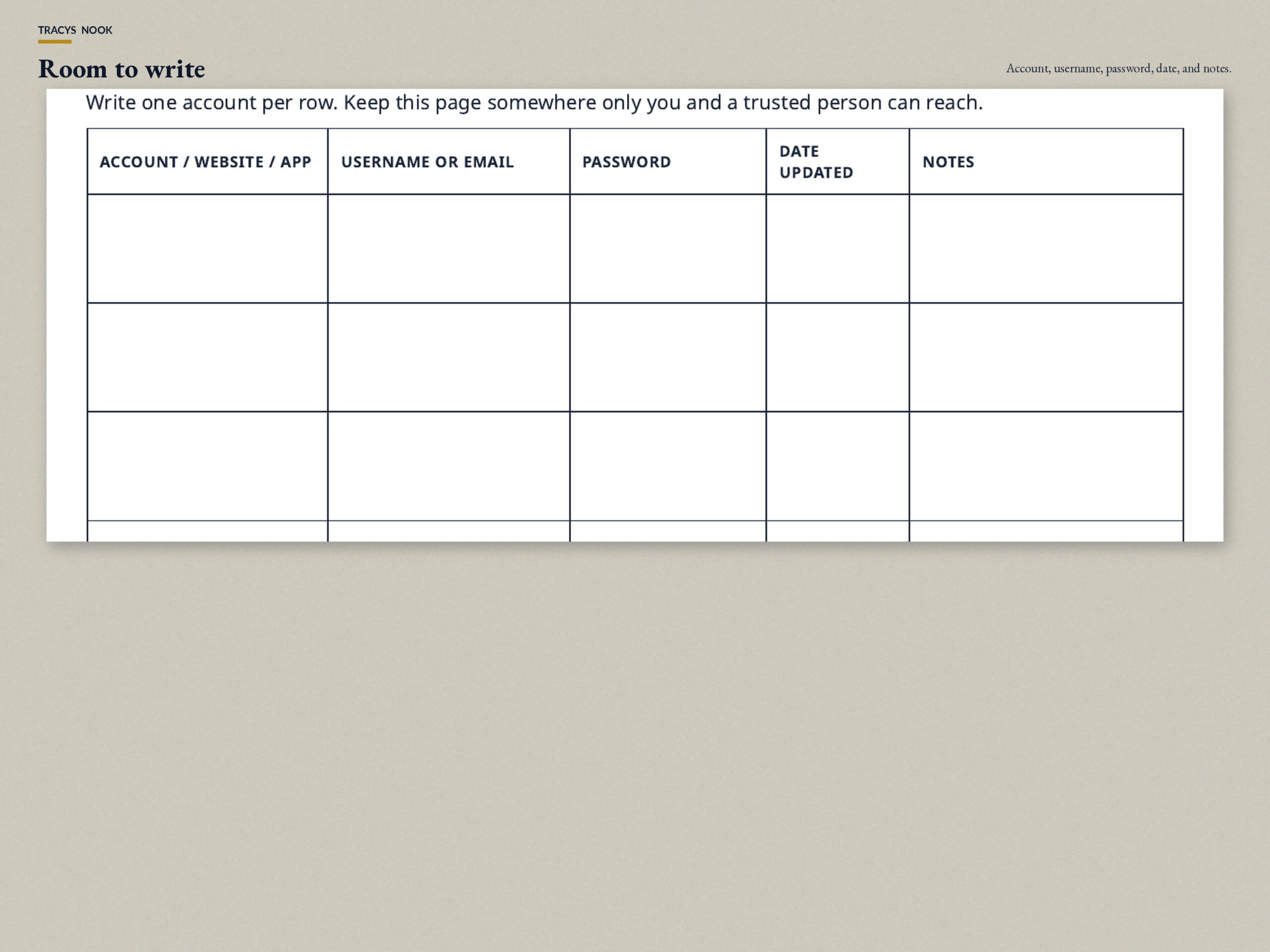
It has room for the account, website, or app; username or email; password; date updated; and notes. You get US Letter and A4, plus a short instructions page.
Keep finished pages somewhere private. This is a paper organizer. It does not store or protect passwords on a device. It is not a password manager, and it is not the Three-Level Password System.
Be the first to comment